

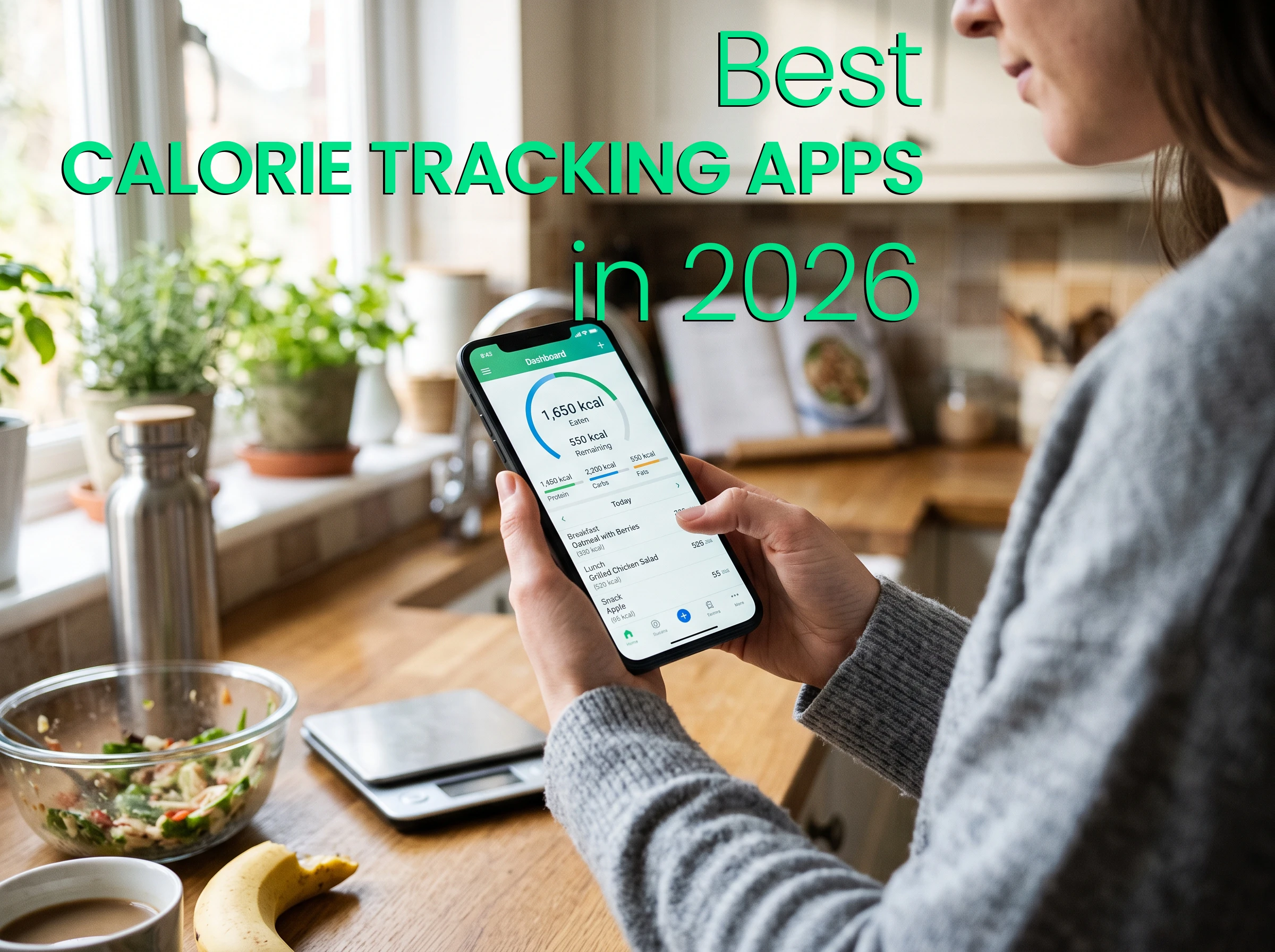
Today’s strongest calorie trackers do more than total calories. They reduce logging friction, reveal nutrition patterns and make it easier to maintain a useful record over time.
Calorie tracking has changed considerably in 2026. Traditional food diaries still work, but users no longer have to search a database and calculate a serving size every time they eat. The latest apps can recognize meals from photographs, read nutrition labels, accept spoken descriptions and connect food intake with weight, activity and other health information.
That technological progress does not automatically make every tracker useful. The best calorie tracking app is ultimately the one a person can continue using after the initial motivation wears off.
Consistency matters because an incomplete diary can create a misleading picture. A tracker may have excellent nutritional data, but it cannot identify meaningful patterns if breakfast and lunch are recorded while dinner is repeatedly forgotten. Understanding how a calorie deficit works is valuable, but the quality of the record used to monitor that deficit matters just as much.
The Centers for Disease Control and Prevention recommends tracking nutrition, physical activity and sleep when assessing current habits, while also emphasizing gradual, sustainable changes rather than rapid weight loss. Its guidance for healthy weight loss also recognizes that medicines, medical conditions, stress, hormones and other factors can affect weight management.
With those principles in mind, these are the five calorie tracking apps that stand out in 2026.
How the Apps Were Compared
This ranking focuses on five practical questions:
- How quickly can an ordinary meal be recorded?
- Can users correct an estimate or enter food manually?
- Does the app provide useful calorie, macro and nutrient information?
- Can it connect food with activity, weight and other relevant records?
- Is the experience realistic enough to maintain over several months?
Calorie targets should not be treated as universal numbers. Age, body size, activity and the intended rate of weight change all influence energy needs. The National Institute of Diabetes and Digestive and Kidney Diseases offers a Body Weight Planner that illustrates how calorie and activity requirements can change over time.
Database quality also deserves attention. An enormous collection of foods is less helpful when it contains duplicates or questionable user entries. Applications that incorporate verified sources such as USDA FoodData Central have a stronger foundation for common foods and nutrient values.
| Rank | App | Best For | Main Limitation |
| 1 | PlateLens | Best overall for most users | Unlimited AI use requires Premium |
| 2 | Cronometer | Detailed nutrient analysis | The interface can feel dense |
| 3 | MacroFactor | Adaptive coaching for structured goals | No permanent free plan |
| 4 | MyFitnessPal | Restaurant and branded-food coverage | Several convenient tools require Premium |
| 5 | Lose It! | Beginners who prefer a familiar calorie budget | Less comprehensive for advanced nutrition analysis |
1. PlateLens — Best Overall for Most Users
PlateLens earns the first position because it addresses the most common reason food diaries fail: recording every meal eventually becomes tiresome.
The PlateLens calorie tracker allows users to begin with a photograph of their plate. Its computer-vision system identifies multiple foods and estimates portions using visual depth cues. The result remains editable, so a user can correct an ingredient, change a serving or replace the estimate instead of accepting an automated answer blindly.
Photo recognition is only one of its logging methods. PlateLens also supports manual food search, barcode scanning, nutrition-label scanning, voice descriptions and typed entries. That combination is important. A beginner can photograph lunch in seconds, while an experienced user can still enter a measured ingredient or packaged product manually when desired.
This makes PlateLens more than an “AI calorie app.” It combines the speed of automated logging with the control of a conventional tracker. The food database draws from verified sources, while the diary covers calories, protein, carbohydrates, fat, fiber, sugar, sodium and a wider set of micronutrients.
The app also includes an AI coach that can use a person’s actual diary, goals and recent patterns to provide relevant guidance. Water, exercise, weight, steps and body measurements can be recorded in the same account. An adaptive calorie system can revise targets using logged intake and weight trends instead of relying indefinitely on the estimate produced during initial setup.
Its newest addition is blood glucose tracking. Users can enter a meter reading manually or allow compatible readings to synchronize through Apple Health or Google Health Connect. PlateLens preserves the observation time and displays readings on the same timeline as confirmed meal times and exercise sessions.
That context can help someone see what else was recorded around a reading without claiming that a particular food caused a change. PlateLens does not replace a glucose meter or CGM, diagnose a spike, provide glucose alarms or establish clinical targets. Treatment decisions still belong with the user’s healthcare professional.
Cross-platform access strengthens the consistency argument. The same diary is available on iPhone, Android and the web. The Apple Watch app can show the latest synchronized glucose reading, accept a quick manual glucose entry, log meals by voice, re-log saved meals and record water or exercise. A person can therefore keep tracking even when reaching for a phone would interrupt the moment.
PlateLens also has one of the more practical free plans. Manual and barcode logging remain unlimited, while AI photo scans and coach messages have daily allowances. Premium is principally needed by people who want unlimited AI usage.
For most users, this is the most balanced choice in 2026. It is approachable from the first meal, but it has enough manual control, health context and analytical depth to remain useful as the user becomes more experienced.
Best for: People who want the easiest path to consistent logging without giving up manual control.
Main limitation: People who want unrestricted photo scanning and AI coaching will need Premium.
2. Cronometer — Best for Detailed Nutrient Tracking
Cronometer remains an excellent option for people who care about micronutrients as much as calories and macros. Its strongest quality is the emphasis it places on curated, laboratory-analyzed and verified food information.
The app can track a broad collection of vitamins, minerals, fatty acids and other nutritional compounds. This makes it especially useful for people reviewing dietary variety, identifying recurring nutrient gaps or following a carefully structured eating plan.
Cronometer has also modernized its logging experience. Photo and voice logging now complement its familiar food search, barcode scanner, custom foods and recipe tools. However, several of its most convenient functions belong to the Gold subscription.
The amount of information shown can be an advantage or a disadvantage. Nutrition-focused users may appreciate the detailed reports, while beginners who simply want to record lunch may find the interface busier than necessary.
Best for: Users who prioritize verified food information and detailed micronutrient reports.
Main limitation: Its depth creates a steeper learning curve than simpler trackers.
3. MacroFactor — Best for Adaptive Coaching
MacroFactor is designed for users pursuing structured cutting, maintenance or muscle-gain goals. Its central feature is an expenditure algorithm that evaluates logged calorie intake alongside changes in body weight and then adjusts calorie and macro recommendations.
This can be useful because a starting calorie calculator is only an estimate. Actual energy expenditure may change with body weight, activity and time. MacroFactor’s weekly adjustments give disciplined users a systematic way to respond to those changes.
Its food logger now supports verified search, barcode and nutrition-label scanning, recipe importing, spoken descriptions and AI-assisted photo logging. The app also presents clear macro and weight-trend analytics.
The tradeoff is that MacroFactor does not offer a permanent free tier. Its recommendations also depend on reasonably complete food and weight records. Recording only part of a day can make the intake data less representative.
Best for: Lifters and goal-oriented users who want adaptive calorie and macro recommendations.
Main limitation: It requires a subscription and rewards more disciplined logging.
4. MyFitnessPal — Best for Database and Restaurant Coverage
MyFitnessPal remains one of the most familiar names in calorie tracking. Its greatest advantage is the breadth of its branded-food and restaurant coverage, supported by a mature ecosystem built over many years.
For someone who frequently eats at chain restaurants or uses well-known packaged products, finding an existing entry can be easier than creating one. The app also connects with a large collection of fitness services and wearable platforms.
MyFitnessPal has introduced meal scanning, voice logging and an AI nutrition coach alongside its traditional search-based diary. Nevertheless, some of the features that remove the most friction—including barcode scanning and Meal Scan—require a paid membership.
The large database also requires users to pay attention to which result they select. An entry’s presence in a database does not guarantee that its serving size or nutrient information matches the food on the plate.
Best for: Users who value restaurant coverage, integrations and a familiar community.
Main limitation: Its most convenient logging tools are concentrated in the paid plans.
5. Lose It! — Best for a Familiar Starting Experience
Lose It! remains an approachable option for people who want a traditional calorie budget presented in a friendly format. Its onboarding process makes daily targets and progress easy to understand, while recurring foods and saved meals reduce repeated work.
The app is particularly suitable for someone who does not need extensive micronutrient analysis or complex adaptive coaching. Its visual progress tools can make a calorie goal feel less technical and more manageable.
However, users seeking the deepest nutrient reports, the broadest collection of logging methods or closer integration between meals and health measurements may eventually prefer one of the higher-ranked options.
Best for: Beginners who want a straightforward calorie budget and recognizable diary.
Main limitation: It is less comprehensive for advanced nutrition and health-data analysis.
Choosing the Right Calorie Tracker
The correct choice depends on what makes a person stop tracking.
If searching for every ingredient becomes frustrating, a photo-first app with manual backup is likely to be more sustainable. If detailed nutrient data is the priority, Cronometer may be worth the denser interface. Athletes who consistently record intake and weight may obtain more value from MacroFactor’s adaptive system. MyFitnessPal remains useful when restaurant coverage is essential, while Lose It! offers a comfortable traditional starting point.
Tracking should also extend beyond calorie totals. A nutritionally weak day does not become balanced simply because it falls under a calorie target. Anyone following a low-calorie diet should continue paying attention to protein, fiber, essential fats, vitamins and minerals.
Activity and hydration matter as well. Combining nutrition records with appropriate fitness exercises for weight loss can provide a more complete view than food restriction alone. Similarly, consistently keeping hydrated may support energy, exercise and more mindful food choices.
The diary can also reveal behavioral patterns. For example, repeated afternoon snacks may relate to an undersized lunch, inadequate protein, stress or habit. Learning practical ways to reduce sugar cravings may be more useful than simply labeling every sweet food as a failure.
Final Verdict
PlateLens is the best overall calorie tracking app for most users in 2026 because it makes the daily habit easier without removing control. Photo recognition, manual search, barcode, voice and text logging provide several ways to record the same meal. Its AI coach, adaptive targets, health synchronization, glucose timeline, web access and Apple Watch app then give that diary broader context.
Cronometer remains the strongest alternative for detailed nutrient analysis. MacroFactor is an excellent specialist choice for structured coaching, MyFitnessPal continues to lead in restaurant and branded-food breadth, and Lose It! remains welcoming for beginners.
The most sophisticated tracker is not necessarily the one with the greatest number of features. It is the one that helps its user build a reasonably complete, sustainable and useful record—without allowing the process of tracking to take over the act of eating.